OnePlay Cloud Gaming & PC
A cloud gaming client built for phones, tablets and Android TV alike.
Tanna Infotech Pvt Ltd · 02/2022 – 01/2026
View on Google Play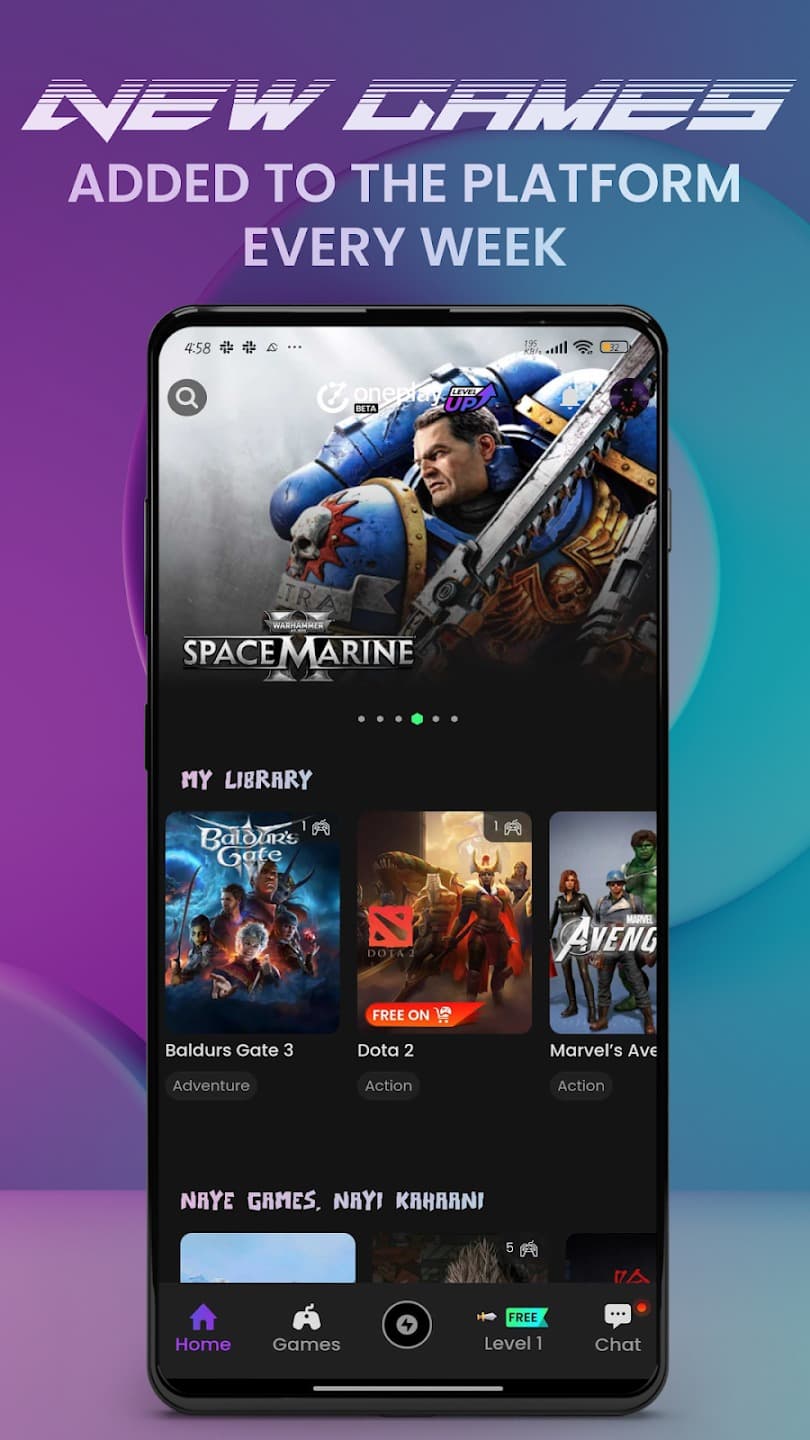
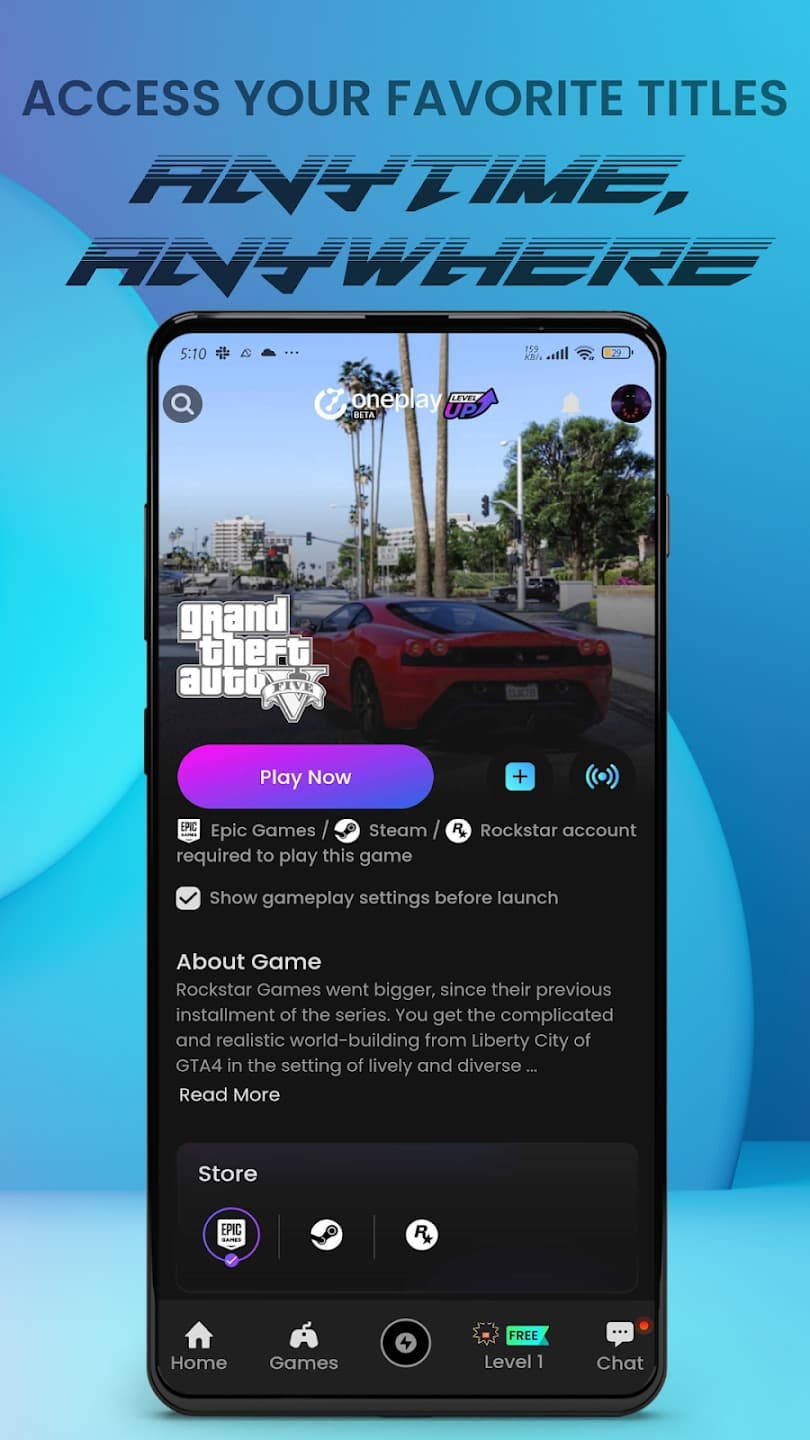
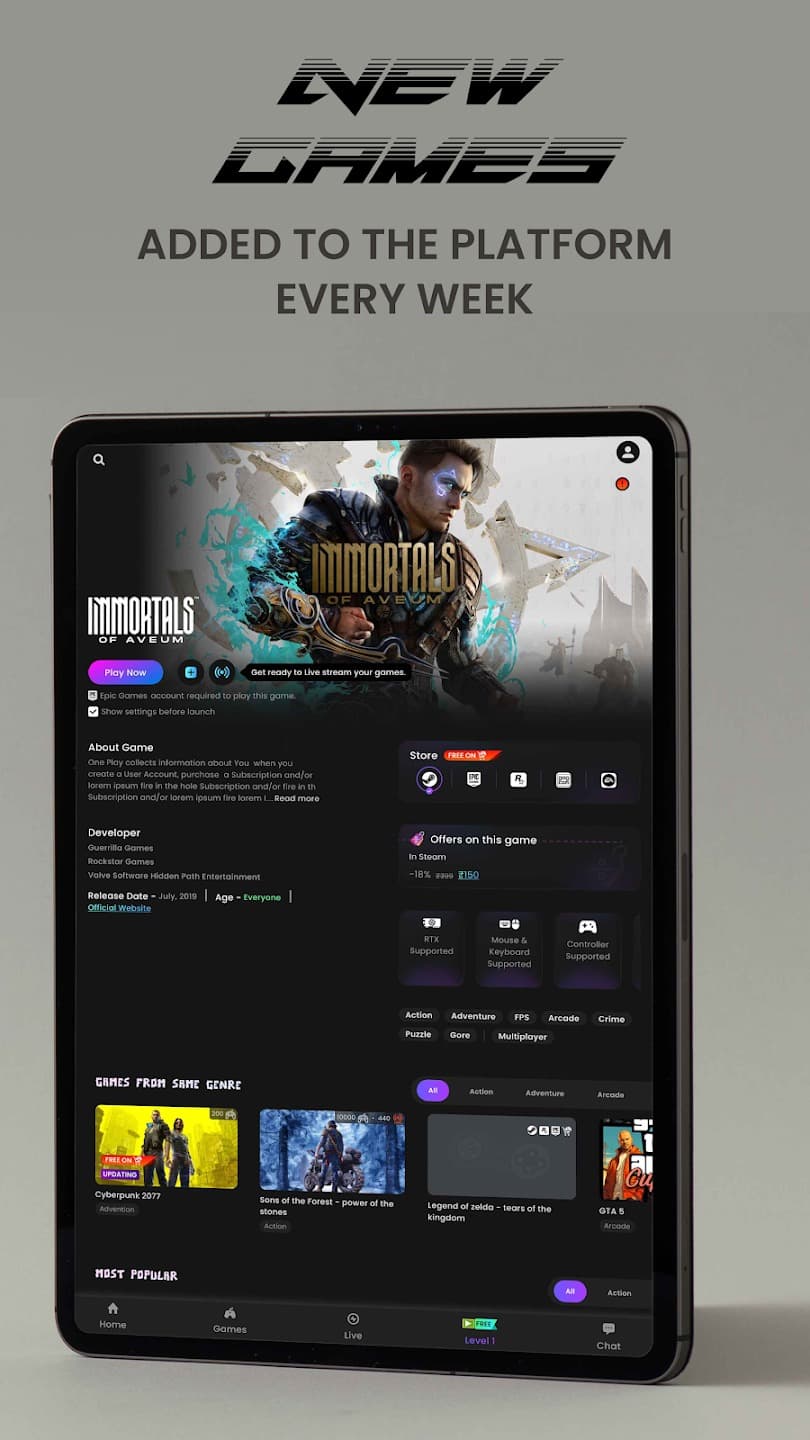
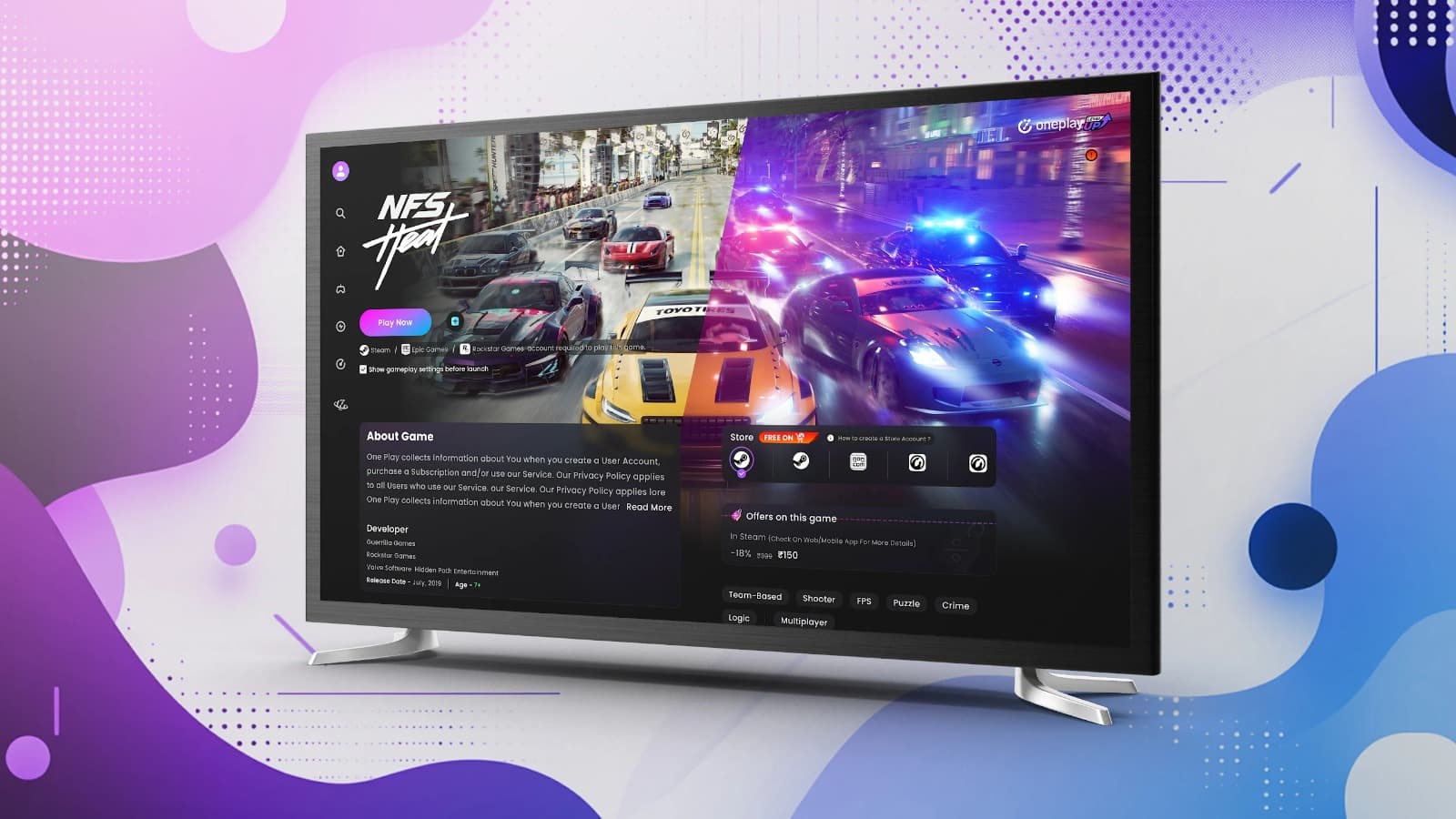
Overview
OnePlay is a cloud gaming and Cloud PC platform: it streams AAA titles at up to 4K/120fps and gives subscribers Cloud PC access, alongside a digital gift card marketplace for platforms like Steam, Xbox and Flipkart — capabilities of the platform I built the Flutter client on top of, spanning phones, tablets and Android TV. My contribution centered on the Flutter application layer: the UI, input handling and adaptive rendering across device classes, not the streaming infrastructure itself.
My Role
- Built and maintained the OnePlay Flutter client across the app's active development cycle at Tanna Infotech.
- Implemented game library browsing, subscription management screens and the digital gift card marketplace UI (Steam, Xbox, Flipkart).
- Built Bluetooth/USB controller support, keyboard & mouse input handling and on-screen touch controls for the streaming session UI.
- Implemented responsive, adaptive layouts optimized for phones, tablets and Android TV using Flutter.
- Worked within BLoC / Provider / GetX state management, REST API integration, Firebase services and multi-flavor release builds shared across the team's app portfolio.
Key Features
Engineering Challenges
One UI, four input paradigms
The same screens had to work with touch, a Bluetooth/USB controller, keyboard & mouse, and a TV remote — each with different focus, navigation and input-latency expectations.
Adaptive layout across device classes
Phone, tablet and Android TV each demand different layout density, navigation patterns (D-pad focus traversal on TV vs touch on phone) and safe-area handling from a single Flutter codebase.
Streaming session UI responsiveness
Session controls needed to stay responsive and low-latency-feeling on top of a real-time video stream, without the UI layer introducing perceptible input lag.
Multi-flavor release management
Coordinating builds across environments while the marketplace and subscription integrations evolved required disciplined flavor and release configuration.
Technologies
Technical Architecture
How the pieces I own fit into the application's data flow.
- 01Flutter UIAdaptive layouts for phone, tablet & Android TV
- 02State ManagementBLoC / Provider / GetX depending on module
- 03RepositoryData layer abstracting REST & Firebase sources
- 04REST APIs / FirebaseLibrary, subscription & marketplace data, auth & messaging
- 05Streaming & Backend ServicesCloud PC / streaming infrastructure (platform-provided)